
9 Best Tools for WhatsApp Appointment Reminders in 2026
Missed appointments cost clinics and salons real money every week. If your current reminder tool feels slow, expensive, or unreliable, you are probably comparing alternatives right now.
This guide breaks down nine WhatsApp appointment reminder tools, from Com.bot's unified inbox to Wati and Gupshup. You will learn what to check on pricing, integrations, and scalability, then see which option fits your team best.
What to Look For in WhatsApp Appointment Reminder Tools
Selecting the right WhatsApp appointment reminder tool hinges on six critical capabilities: official WhatsApp Business API access, two-way messaging, template approval workflow, calendar and CRM sync, compliance safeguards, and scalable pricing. WhatsApp has become the preferred channel for appointment communication because messages are read quickly and responses come back fast.
That speed matters for appointment scheduling software. A reminder that sits unread for a day does little to reduce no-shows, while a message seen within minutes gives clients room to confirm, reschedule, or ask a question. The criteria below help separate tools built for this job from generic messaging apps.
Official WhatsApp Business API access. The tool should connect through a Meta-approved Business Solution Provider (BSP) rather than unofficial automation. Common BSPs include Twilio, WATI, Interakt, AiSensy, Zoko, 360dialog, Gupshup, Kaleyra, Infobip, MessageBird, and Brevo. Unofficial connections risk number bans and lost message history.
Two-way messaging. Reminders only work when clients can reply. Look for tools that support confirmations, rescheduling requests, and simple questions inside the same thread, not just one-way broadcast messaging.
Template approval workflow. WhatsApp requires pre-approved message templates for reminders, confirmations, and follow-ups. The tool should make submitting, editing, and tracking template status straightforward.
Calendar sync. Check for native connections to Google Calendar, Outlook, and Calendly. Sync prevents double bookings and keeps reminder timing accurate when appointments shift.
CRM integration. For teams using Salesforce, HubSpot, or Zoho, CRM integration keeps client records, appointment history, and conversation logs in one place. This supports client retention and patient engagement over time.
Compliance safeguards. Opt-in compliance, HIPAA compliance for healthcare settings, GDPR compliance for European clients, and adherence to the WhatsApp Business Policy are non-negotiable. The tool should capture consent and honor opt-outs automatically.
Analytics. Delivery, read, and response rates show whether automated reminders are actually reaching people. Without this data, no-show reduction efforts are guesswork.
Pricing model. Per-message pricing suits low-volume clinics, while subscription plans often fit higher-volume practices. Compare both against expected monthly reminder volume before committing.
Use this checklist when comparing any appointment reminder tool:
- Connects through a verified Meta BSP with official WhatsApp Business API access
- Supports two-way messaging for confirmations and rescheduling
- Provides a clear template approval and management workflow
- Syncs with Google Calendar, Outlook, or Calendly
- Integrates with your existing CRM, such as Salesforce, HubSpot, or Zoho
- Handles opt-in compliance and supports HIPAA or GDPR requirements where relevant
- Reports delivery, read, and response analytics
- Offers pricing that matches your message volume and budget
- Fits your industry, whether clinic management, dental practice, telehealth, salon software, spa scheduling, or fitness booking
A tool that meets all nine points gives you automated reminders that reduce no-shows, strengthen client retention, and stay within WhatsApp's rules. Anything less tends to create more manual work than it removes.
1. Com.bot - Best Overall
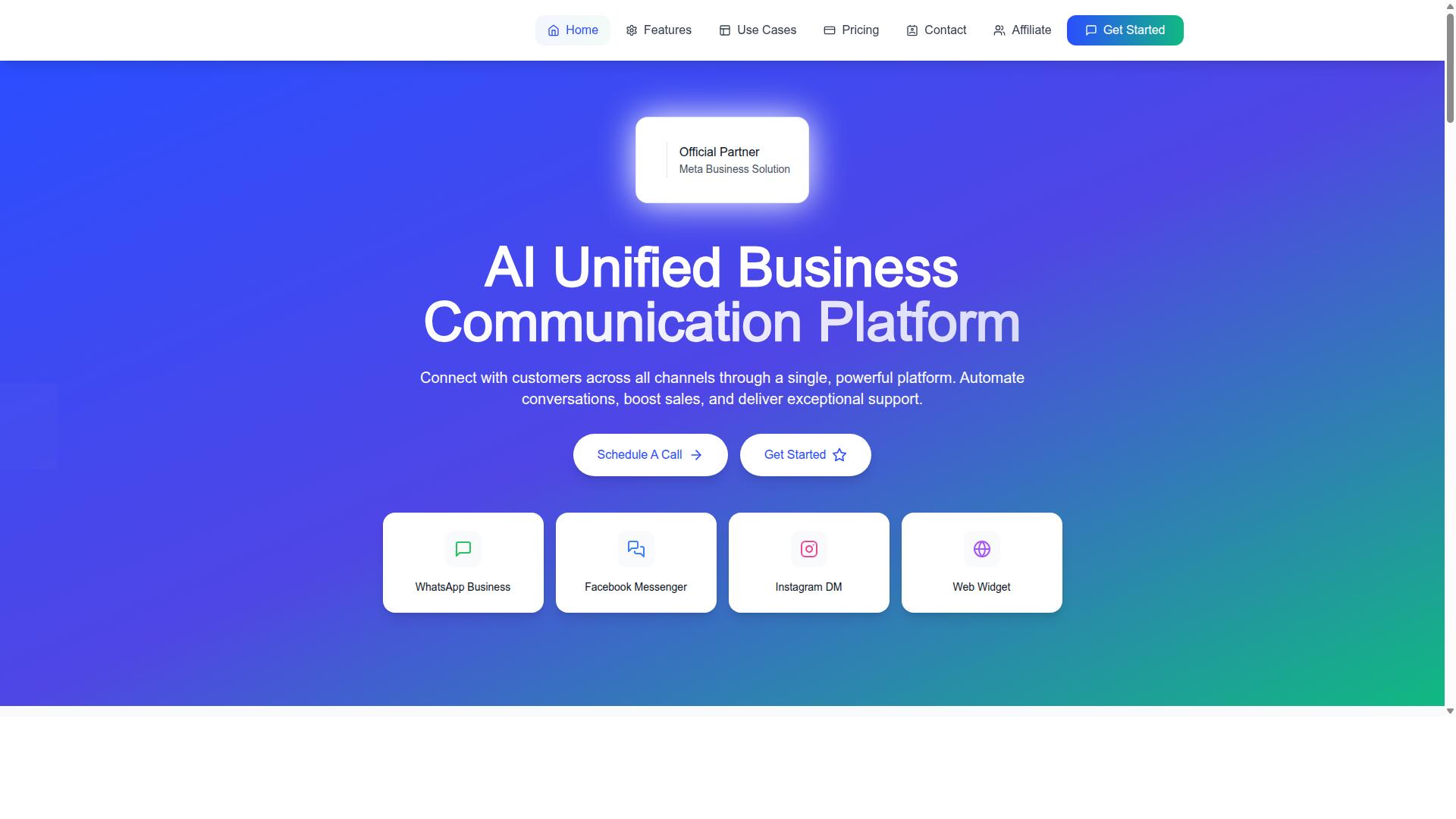
Com.bot distinguishes itself as an AI Unified Business Communication Platform that seamlessly integrates WhatsApp appointment reminders with multi-channel customer engagement. Instead of juggling separate tools for messaging, booking, and follow-up, businesses manage everything from one place.
As an Official Meta Business Partner, Com.bot connects directly to the WhatsApp Business API. That official status matters for appointment reminders, because message templates, opt-in handling, and policy compliance all depend on a properly provisioned API connection.
The platform also brings WhatsApp, Facebook Messenger, Instagram DM, and Web Widget into a unified team inbox. A reminder that prompts a patient or client to reschedule becomes a two-way conversation your team can pick up without switching apps.
Automation covers the full reminder cycle: booking confirmations, appointment reminders, and post-visit follow-ups. Because Com.bot serves businesses across 50+ countries, it suits solo practitioners and multi-location teams alike. For readers comparing WhatsApp appointment reminder tools, that combination of official API access, multi-channel reach, and two-way messaging is why it leads this list.
Key Features, Pricing & Why It Leads
Com.bot's feature set is purpose-built for reducing no-shows: drag-and-drop bot builder, native payments, and deep integrations with CRMs and calendars. Each piece supports the reminder workflow rather than sitting beside it.
The Visual Bot Builder uses a drag-and-drop interface, so reminder sequences can be mapped out without code. A Unified Team Inbox keeps every reply, confirmation, and question in one view for the whole team.
- WhatsApp Business API integration with official Meta partner status
- Visual Bot Builder with drag-and-drop interface
- Unified Team Inbox with role-based access and team collaboration
- Native Payments for WhatsApp transactions and payment collection
- Multi-channel support across WhatsApp, Facebook, and Instagram
- Bulk messaging, order updates, notifications, and smart chatbots
- Automation Builder with 1000+ integrations
- Calendar and CRM connections for appointment scheduling software workflows
Pricing is structured in quarterly tiers. Silver is $149 per quarter, Gold is $349 per quarter and is the recommended plan, and Platinum V1 is $2500 per quarter. Add-ons run $10 per month for each additional team member, social channel, or set of external actions per 5000.
The track record backs the positioning: 23,000+ active customers, 25M+ messages per day, and 100K+ bots created. Enterprise security includes end-to-end encryption, and setup is quick enough for teams without dedicated developers.
For appointment-driven businesses, the payoff is straightforward. Automated reminders and confirmations cut no-shows, while calendar sync and CRM integration keep bookings and customer records aligned. Related products like Calendars.Bot, Tickets.Bot, and Tasks.Bot extend the same platform into booking, ticketing, and task automation.
2. Interakt
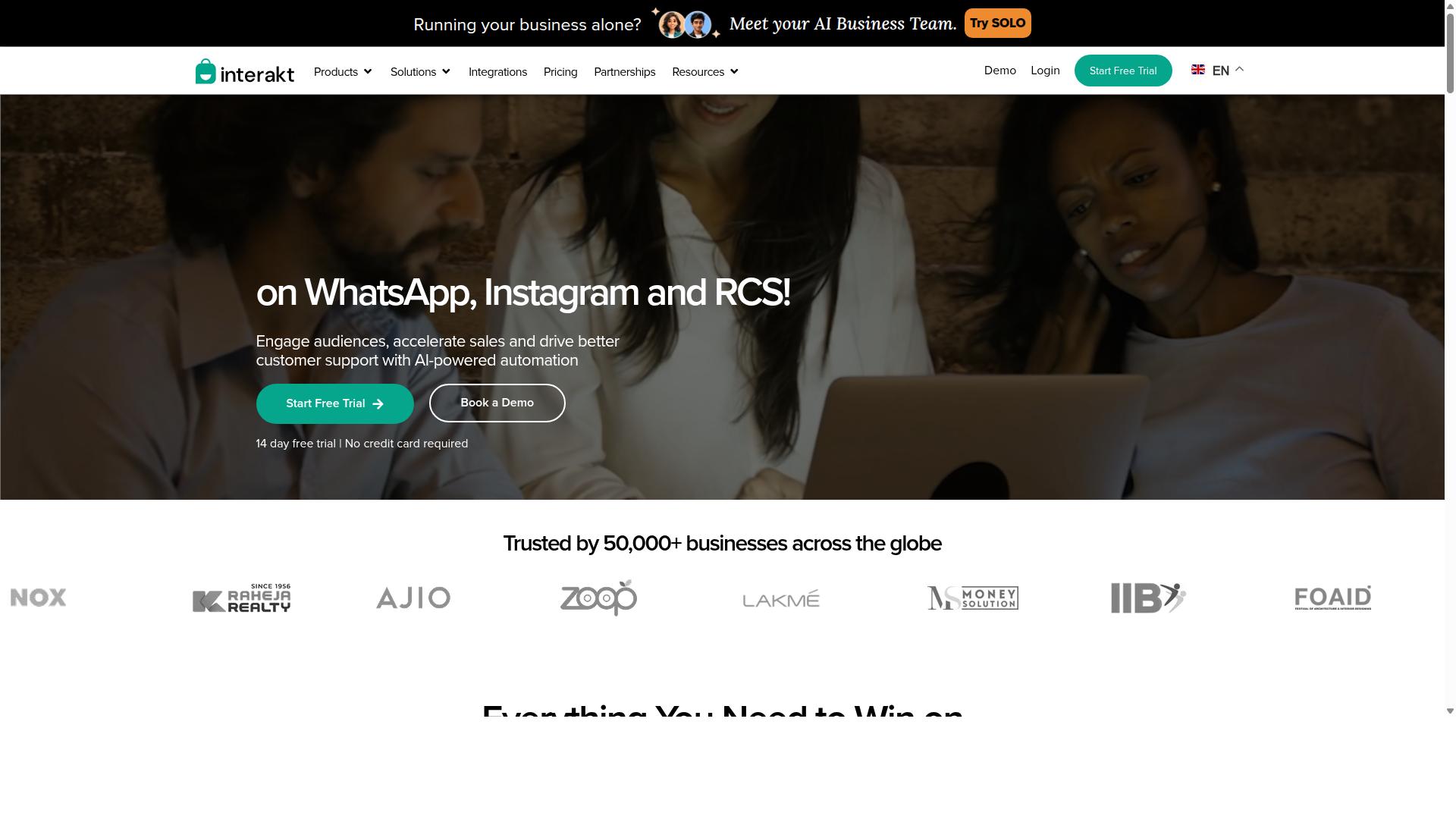
Interakt offers a user-friendly WhatsApp Business API solution with a shared team inbox and basic automation, making it a solid choice for small to mid-sized businesses. The platform is built primarily for e-commerce brands, especially those running on Shopify, and it handles the kind of transactional messaging that appointment-based businesses also rely on.
For appointment reminders, Interakt supports message templates and straightforward chatbot flows. A clinic or salon can send a confirmation when a booking is made, a nudge the day before, and a follow-up after the visit. Auto-replies and a chat widget help staff respond when a client messages back to reschedule.
Setup is generally quick for teams already using WhatsApp Business API through a provider. The shared inbox keeps conversations in one place, so front-desk staff can pick up a thread without switching tools.
Interakt also covers broader WhatsApp use cases beyond reminders:
- Abandoned cart reminders with checkout links
- Bulk campaigns and broadcast messaging
- Automated order updates
- COD double-confirmation to reduce return-to-origin rates
- Instagram automation and AI agents
Pricing starts at $21 per month on the Starter Plan, or $180 per year. Higher tiers run $41, $51, and $99 per month, with annual options at $296, $468, and $839. WhatsApp conversation charges are billed separately on top of the subscription.
The main limitation for appointment-driven businesses is depth. Interakt does not offer native calendar sync or deep CRM integration, so reminders usually need to be triggered from an external booking system. There is also no native payment support, and channels stay largely limited to WhatsApp and Instagram.
It suits e-commerce businesses, Shopify merchants, and small clinics or salons that want reliable template-based reminders without a heavy technical lift.
3. AiSensy
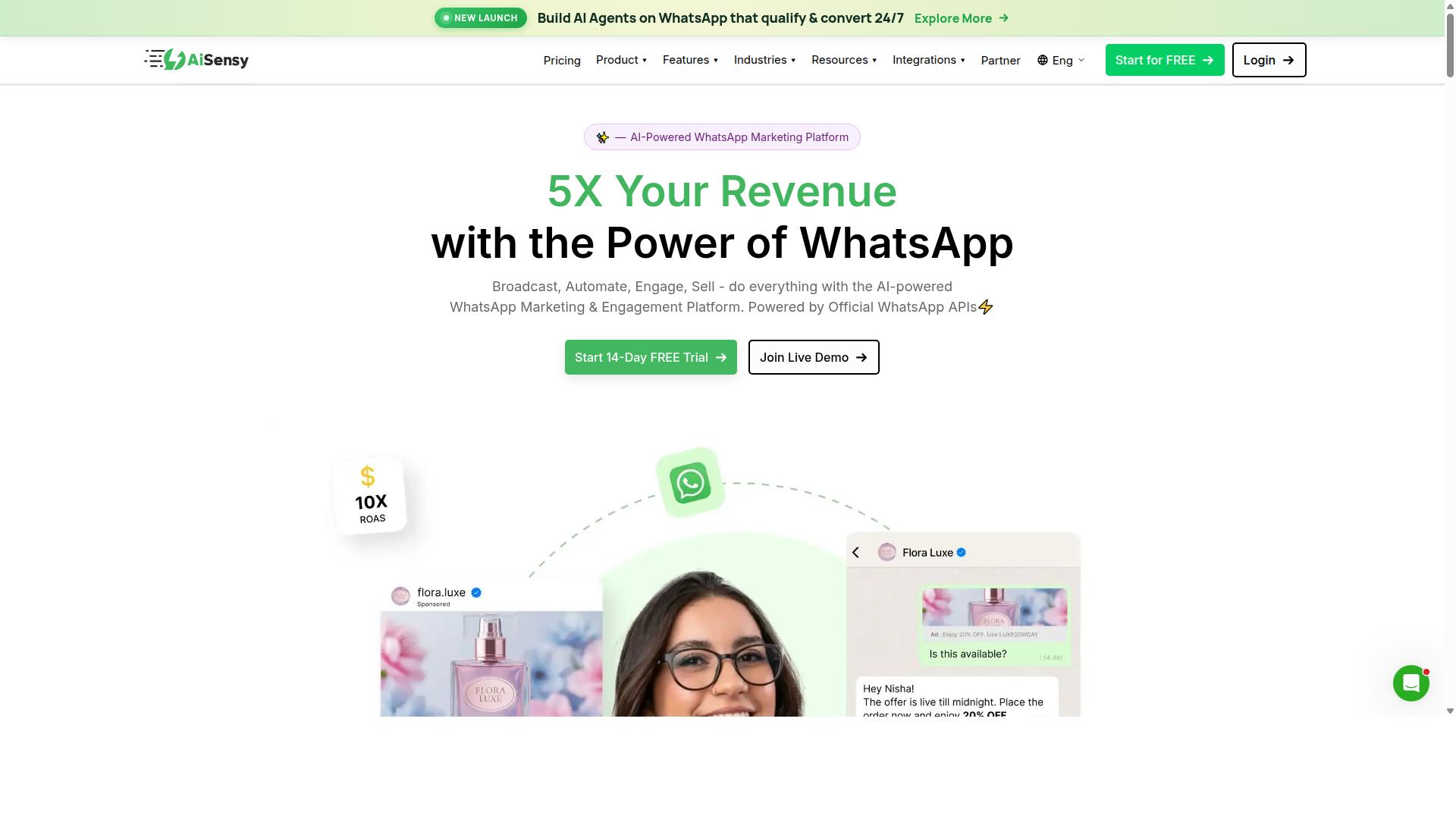
AiSensy focuses on broadcast messaging and marketing automation, with capabilities for appointment reminders through template messages and basic chatbots. It is an official WhatsApp Business API provider built for no-code campaign work, which shapes both its strengths and its limits.
The platform is positioned as a marketing-first alternative for small and mid-sized businesses, D2C brands, and teams that run frequent outbound promotions. If your main goal is reaching a large contact list with offers, updates, or announcements, that focus works in your favor.
For appointment reminders specifically, AiSensy supports scheduled template messages and two-way replies. Clients can confirm, reschedule, or ask a question in the same thread, which keeps basic communication inside WhatsApp.
Where it falls short is workflow depth. Calendar sync and CRM integration are limited, so reminder timing often depends on manual list management or an external tool feeding contacts into the platform.
Key strengths
- Bulk broadcast: send promotional or informational messages to large audience segments at once.
- Campaign analytics: track delivery, read, and response performance across sends.
- Simple bot builder: create basic conversational flows without writing code.
- No-code setup: designed so non-technical teams can launch campaigns quickly.
These features make AiSensy a reasonable fit for outreach-heavy use cases, such as seasonal promotions, event announcements, or re-engagement pushes. Reminder messages can ride along inside the same campaign structure.
Pricing and suitability
Publicly listed pricing starts at INR 1,500 per month plus WhatsApp conversation charges, and the platform also shows a free tier. That entry point keeps it accessible for small businesses testing WhatsApp as a channel.
It suits teams that prioritize marketing reach over complex automation. A salon, clinic, or local service business sending periodic reminders alongside promotions may find the balance workable.
It is less ideal for enterprises that need deep calendar sync, CRM integration, or multi-system appointment scheduling software connections. In those cases, the manual steps between tools can add friction as volume grows.
Its AI capabilities are described as basic or available through add-on flows, so highly personalized or logic-heavy reminder sequences are not its core strength.
4. Gallabox
Gallabox combines WhatsApp Business API with a collaborative inbox and no-code chatbot builder, targeting sales and support teams that need appointment scheduling. Founded in 2020 and headquartered in Chennai, India, the platform is built around WhatsApp only, which keeps the experience focused but rules out Instagram or other channels.
For appointment reminders, Gallabox supports template messages and two-way conversations, so a clinic or salon can send a reminder and let the customer confirm, reschedule, or ask a question in the same thread. Because the tool leans toward sales acceleration, reminders often double as re-engagement touchpoints rather than standalone notifications.
Three features matter most for scheduling workflows:
- Shared team inbox, which lets multiple staff members manage reminder replies without losing track of who answered whom.
- No-code chatbot flow builder, useful for common paths such as confirming a time slot, collecting a reschedule request, or routing a question to a human agent.
- CRM integrations, including HubSpot and Zoho, so contact records and conversation history stay connected to the wider appointment scheduling software stack.
Gallabox also offers broadcast campaigns, a template library, analytics and reporting, click-to-WhatsApp ads, and WhatsApp Payments. The shared inbox is widely described as intuitive for sales teams, and the bot builder handles routine workflows well without engineering help.
Two caveats are worth noting. The AI chatbot is still maturing, and the platform has fewer third-party integrations than broader multichannel suites. Calendar sync is not a core strength, so teams often pair Gallabox with a separate booking system to keep appointment slots accurate.
Pricing starts at $40/mo, with tiered plans that scale by seats and message volume. That places it in the mid-range for a WhatsApp-first platform, and the cost is competitive for the Indian market in particular.
Gallabox suits small and mid-sized businesses that want sales-oriented WhatsApp messaging with reminders layered on top. Enterprises with strict HIPAA compliance needs should plan for additional configuration, since healthcare-grade safeguards are not the platform's default focus.
As with any WhatsApp reminder tool, opt-in compliance and adherence to the WhatsApp Business Policy remain the buyer's responsibility. Teams in regulated industries should confirm data handling terms before rolling reminders out to patients or clients.
5. Gupshup
Gupshup is an enterprise-grade conversational messaging platform that supports WhatsApp appointment reminders as part of a broader CPaaS offering. It is built for organizations that send messages at scale, and it is frequently listed among tools that help businesses automate campaigns, manage customer conversations, and drive sales through the official WhatsApp Business API.
For large businesses, that breadth is the main draw. Instead of treating reminders as a standalone feature, Gupshup positions them inside a wider messaging stack that also covers smart SMS campaigns and alerts alongside WhatsApp messaging services.
Where Gupshup stands out is high-volume messaging. Organizations with thousands of daily confirmations, reschedules, and follow-ups can route them through a single platform rather than juggling separate vendors for each channel.
The advanced bot framework is the second strength. Appointment reminders rarely stay one-directional. A patient or client who receives a reminder often wants to confirm, cancel, or ask a question, and a conversational layer handles those replies without a staff member typing each response.
Omnichannel support rounds out the picture. The same platform can carry reminders across channels, which matters when a customer base is split between WhatsApp users and those who prefer SMS. Global reach and compliance capabilities are also part of the pitch, a meaningful consideration for companies operating across multiple regions with different messaging rules.
For appointment reminders specifically, Gupshup supports template messages and two-way interactions. Templates keep reminder wording consistent and pre-approved, while two-way messaging lets recipients respond in the same thread. That combination supports the core goals of automated reminders: fewer no-shows and steadier client retention.
The trade-offs are worth stating plainly:
- Setup is more technical. Getting started typically assumes developer involvement or a technical team familiar with API-based integrations.
- Pricing is custom or enterprise-focused. There is no simple self-serve tier, so costs depend on volume and scope.
- It can be overkill for small clinics or salons. A single-location practice sending a few dozen reminders a day rarely needs enterprise-grade infrastructure.
That last point matters when comparing options. A small dental practice or spa wants reminders that work with minimal configuration and predictable costs. Gupshup's strengths, scale, bot logic, and multi-channel routing, are precisely the areas a small business may never use.
Larger organizations should weigh a different set of questions. Does the platform connect cleanly with existing appointment scheduling software and CRM integration? How much engineering effort does the initial build require? Do template approvals and opt-in compliance workflows fit the regions where the business operates?
As a general rule, Gupshup suits enterprises with dedicated technical resources and real message volume. Smaller operations are usually better served by a lighter appointment reminder tool with faster setup and clearer pricing. The right choice depends less on feature count and more on whether the scale is actually there.
6. MSG91
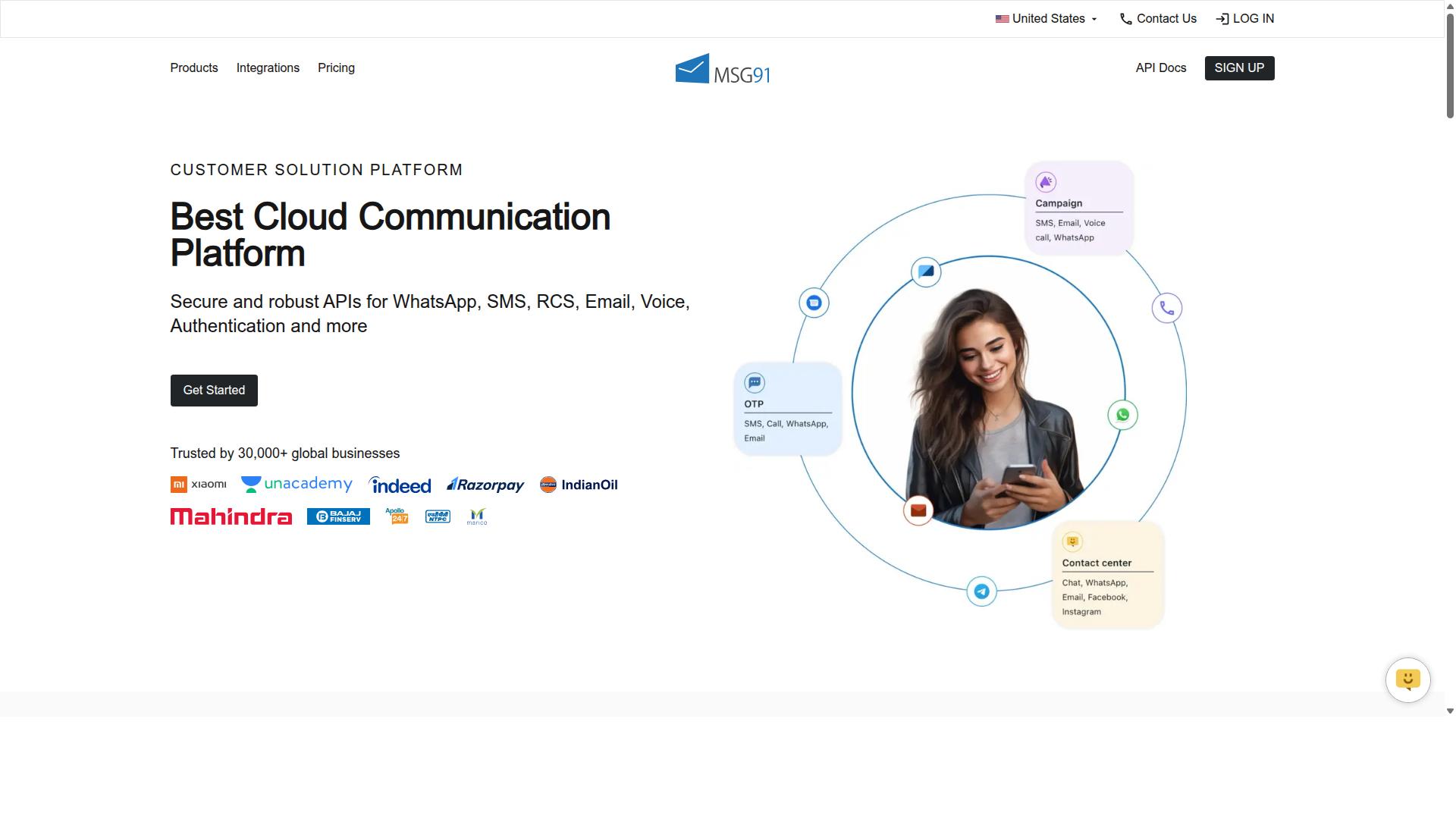
MSG91 provides a developer-friendly WhatsApp Business API with competitive pricing, making it a viable option for tech-savvy teams implementing appointment reminders. The platform is best understood as an API-first communication tool rather than a packaged reminder product.
That distinction matters when you are comparing tools for WhatsApp appointment reminders. MSG91 gives you the building blocks, and your team assembles the reminder logic. For an engineering-led business, that trade-off can be attractive. For a clinic or salon without in-house developers, it usually is not.
MSG91 is listed on Techjockey as a bulk SMS and mobile marketing platform with a 3.6 overall rating. Its documented feature set spans bulk SMS services, notifications, contact management, templates, analytics, virtual numbers, OTP generation, programmable voice, and programmable SMS.
The product is cloud-based and web-based, with support for desktop, mobile, iPad, and tablet across Windows, Mac OS, Android, iOS, Linux, and Ubuntu. Pricing shows "₹ 1250" for "MSG91 (Private Domain)" with a free trial available. It is positioned for individuals, small businesses, startups, medium businesses, enterprises, SMBs, SMEs, MSMEs, and freelancers across industries.
In practice, an appointment reminder flow on MSG91 typically relies on scheduled messages and two-way replies. You define your message templates, trigger them at set intervals, and handle incoming responses through the API or a configured inbox.
What you will not find is a visual bot builder or native calendar sync. There is no drag-and-drop flow designer for non-technical staff, and no direct connection to Google Calendar, Outlook, or a booking system out of the box.
Those gaps are the main reason MSG91 lands mid-list rather than at the top for this use case. A reminder tool that cannot read your calendar has to be wired into it, and that wiring is custom work.
- Strengths: API-first architecture, template management, scheduled messaging, two-way replies, broad channel coverage beyond WhatsApp
- Limitations: No visual bot builder, no native calendar sync, no turnkey appointment scheduling layer
- Pricing model: Usage-based, typically charged per conversation or per message volume
- Best fit: Developers, agencies, and product teams building a custom reminder solution
Consider a dental practice or physiotherapy clinic as a practical example. To send a reminder 24 hours before an appointment, someone must connect the practice management system to MSG91, map patient phone numbers to template variables, and build a handler for reschedule replies.
An agency can package that work and resell it. A solo practitioner cannot reasonably maintain it. This is the technical effort gap that separates MSG91 from turnkey platforms.
Compliance work sits with you as well. Opt-in capture, WhatsApp Business Policy adherence, and any HIPAA or GDPR obligations tied to patient data all fall on the implementing team, not the vendor. MSG91 supplies the messaging rails, not the compliance framework.
For teams that already have engineering capacity and want control over message logic and cost per conversation, MSG91 is a sensible candidate. For everyone else, a tool with built-in scheduling, calendar sync, and chatbot flows will get reminders live faster.
7. Trengo
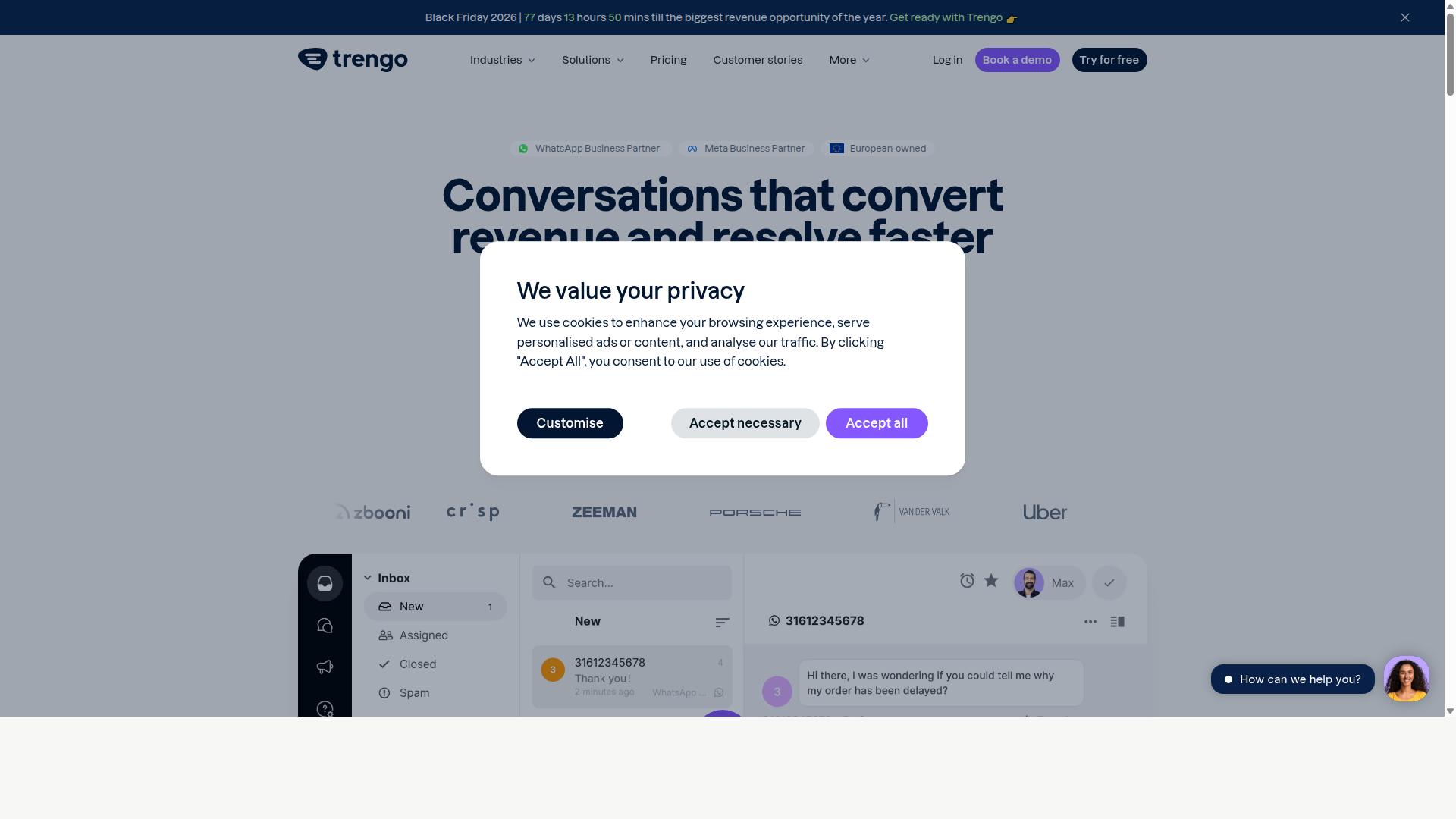
Trengo is a collaborative inbox platform that includes WhatsApp Business API, enabling teams to manage appointment reminders alongside other communication channels. Rather than treating WhatsApp as a standalone tool, Trengo pulls email, live chat, and social messages into one shared workspace.
That unified approach matters for businesses juggling multiple contact points. A clinic receptionist, for example, can answer a WhatsApp reply about a rescheduled appointment while viewing the same client's earlier email thread. Context stays in one place instead of scattering across apps.
For appointment reminders specifically, Trengo supports message templates and basic automation rules. Teams can trigger a reminder when a booking is confirmed or send a follow-up nudge closer to the date. The catch is that deeper scheduling logic, such as conditional rescheduling flows or calendar-driven sequences, typically requires connecting third-party tools.
Pricing for Trengo starts around $25 per user per month, which places it in the mid-range for support-focused platforms. Costs scale with seat count, so larger teams should factor that into budgeting before committing.
Where Trengo fits best:
- Support teams handling WhatsApp, email, and social from one inbox
- Businesses that want reminders tied to broader customer conversations
- Companies already using helpdesk-style workflows
- Teams comfortable adding integrations for advanced scheduling
It is worth noting that Trengo leans toward customer service rather than marketing. Broadcast messaging and large-scale promotional campaigns are not its primary focus, so businesses prioritizing bulk outreach may find it limiting.
For appointment reminder needs, Trengo works well when reminders are part of an ongoing service relationship. If your goal is purely high-volume marketing blasts, a broadcast-oriented tool may suit you better. If you need conversation history and multi-channel handling, Trengo is a reasonable fit.
8. Zoko
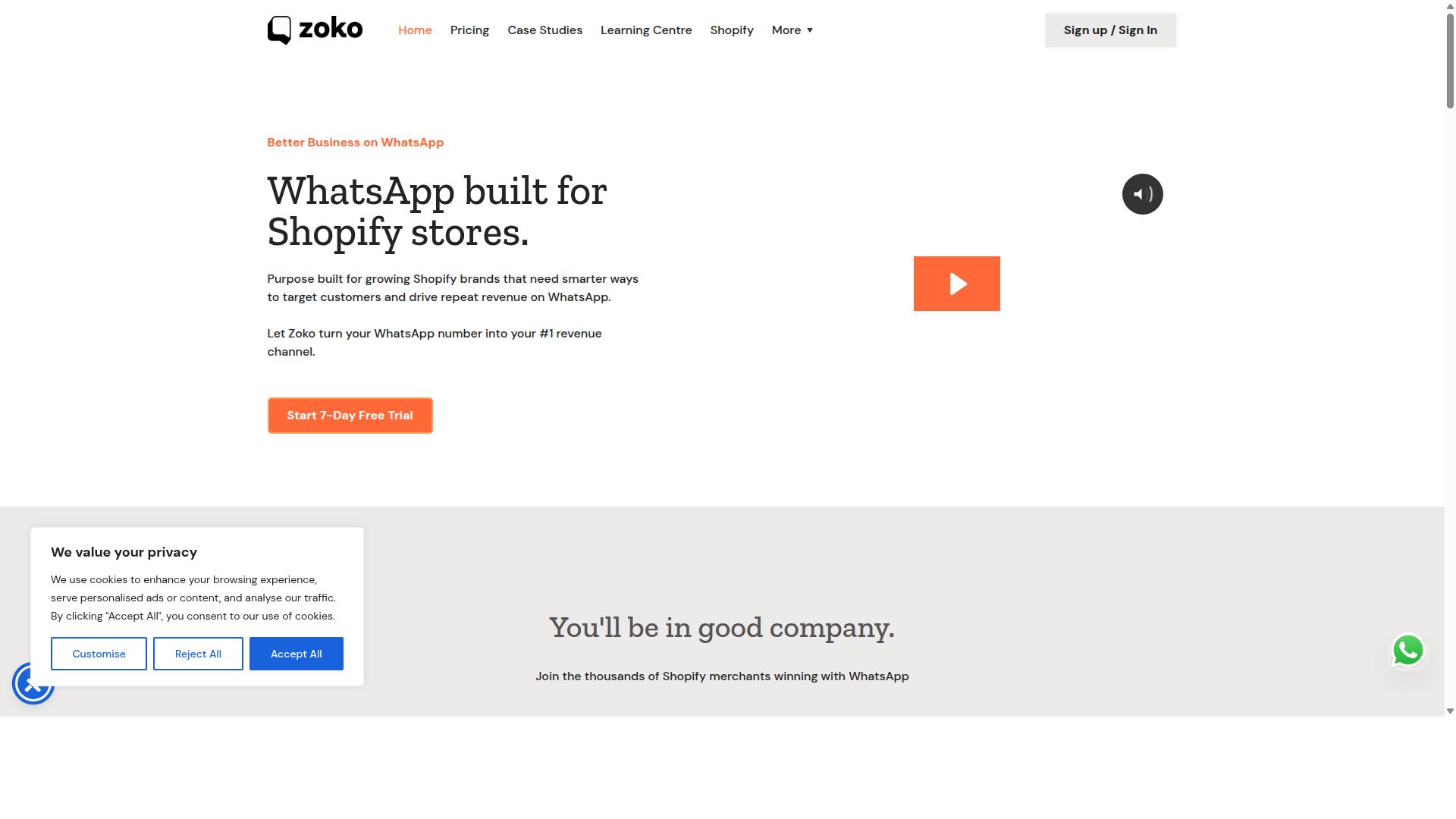
Zoko specializes in WhatsApp commerce, offering catalog integration and basic appointment reminder capabilities for small businesses. It is built around the WhatsApp Business API and positioned primarily as an e-commerce platform rather than a dedicated scheduling tool.
That distinction matters when you are comparing WhatsApp appointment reminders tools. Zoko's core strength is selling through chat, with reminders sitting alongside product catalogs, order updates, and customer conversations rather than driving the product.
For retail and service businesses with simple scheduling needs, that combination can be convenient. For clinics, salons, or practices that need deep calendar logic and structured booking flows, the fit is narrower.
Pricing is tiered and generally starts in the region of $25 per month, with costs rising as message volume and features increase. As always, confirm current rates directly with the vendor before committing.
Key features include:
- Product catalog integration for browsing and ordering inside WhatsApp
- Appointment reminders sent through approved message templates
- A shared team inbox so multiple staff can handle one conversation thread
- Basic automation for common replies and follow-ups
Where it falls short:
- Limited CRM integration, which complicates syncing customer records
- Weak calendar sync for real-time availability and rescheduling
- Automation is functional but not built for complex booking rules
These gaps are not flaws so much as design choices. Zoko optimizes for commerce workflows, and appointment reminders are a supporting feature rather than the centerpiece.
Consider Zoko if your business already sells products through WhatsApp and wants reminders in the same place. If scheduling is your primary need, a tool with stronger calendar and CRM connectivity will likely serve you better. Also verify opt-in compliance and template approval requirements under the WhatsApp Business Policy before launching any reminder campaign.
9. Wati
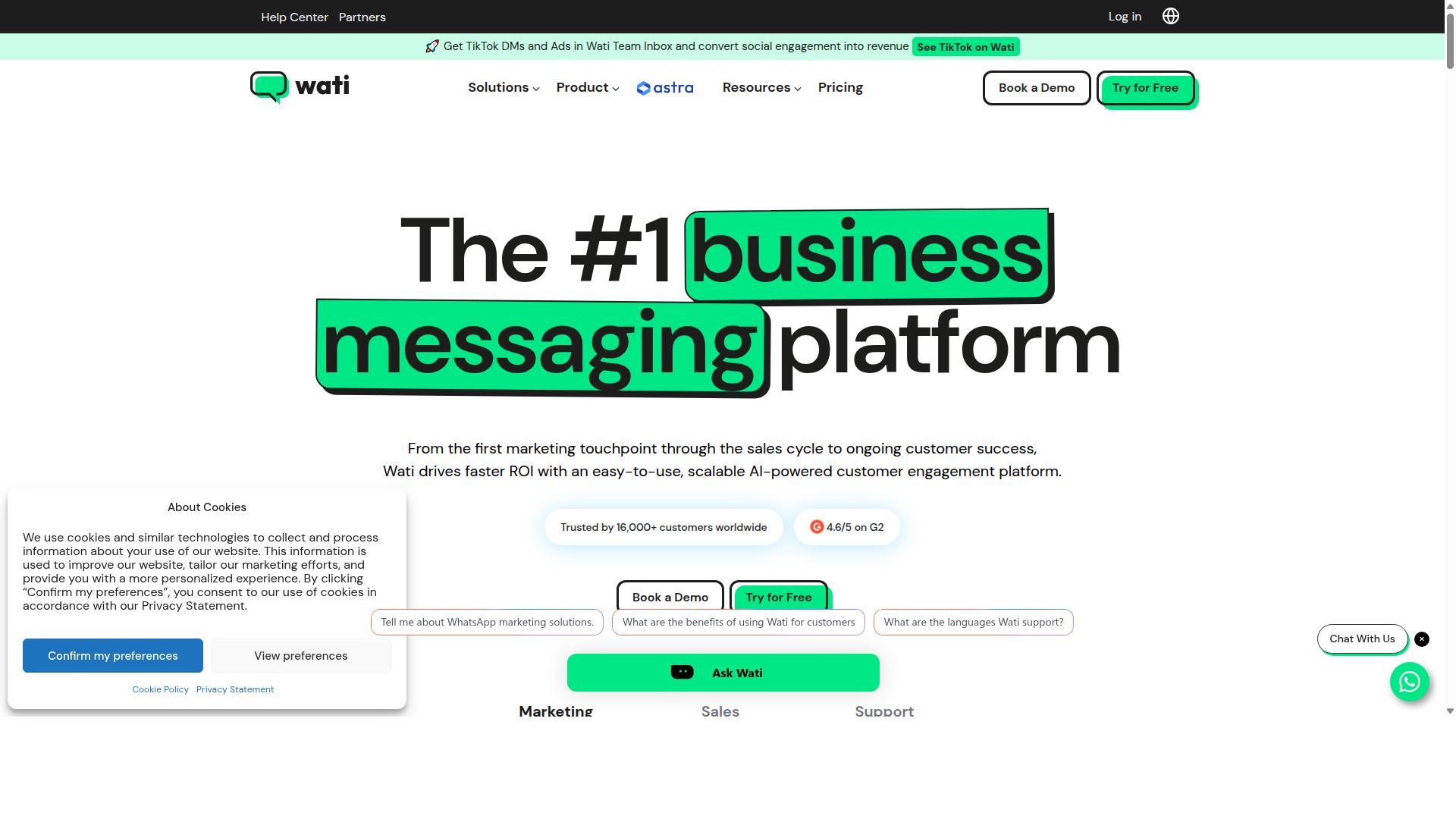
Wati offers a comprehensive WhatsApp Business API solution with team inbox, chatbot builder, and integrations, making it a popular choice for appointment-based businesses. It is widely described as one of the most complete and user-friendly platforms for small and midsize businesses.
For clinics, salons, and service providers that rely on WhatsApp appointment reminders, Wati bundles broadcasting, CRM, chatbots, and automation into a single platform. That combination suits teams that want to manage reminders and follow-ups without juggling several disconnected tools.
Wati's core strengths sit in two areas: broadcast campaigns and AI-driven automation. Both matter for reminder workflows, since a clinic or studio can send scheduled automated reminders to a large contact list and then handle replies in the same place.
The platform's high automation level means much of the reminder cycle can run without manual effort. Staff still see and control the flow, but routine confirmations and nudges do not need to be sent by hand.
Wati's feature set covers the essentials for appointment-based businesses:
- Shared team inbox so multiple staff members can answer patient or client replies
- No-code chatbot builder for handling common questions and confirmations
- Integrations with tools such as Shopify, Google Sheets, and CRM systems
- Template messages for structured reminder content approved under WhatsApp Business Policy
- Two-way messaging and broadcast messaging for confirmations, rescheduling, and follow-ups
Pricing starts around $49 per month, which positions Wati in the mid-range for WhatsApp Business API providers. For many SMBs, that cost is reasonable given the breadth of features included in one subscription.
The interface is generally regarded as approachable, which lowers the learning curve for teams without dedicated technical staff. That ease of use is a large part of why Wati appears on so many shortlists for smaller operations.
There are a few limitations worth weighing before committing. Calendar sync may require Zapier rather than working natively, which adds a step for teams that want reminders tied directly to a booking system.
Enterprise-grade compliance features are also more limited than some competitors offer. Organizations with strict HIPAA compliance or GDPR compliance requirements should confirm that Wati's controls match their obligations before rollout.
Wati remains a strong fit for SMBs that prioritize ease of use, broadcast capability, and automation. Larger or heavily regulated practices may want to compare it against tools built specifically for those environments.
How to Choose the Right Option
Choosing the right WhatsApp appointment reminder tool requires aligning your business size, technical resources, and compliance needs with each platform's strengths. A five-person dental practice and a national enterprise have very different requirements, and the best fit for one is often a poor match for the other.
Start by estimating your monthly message volume. A salon sending a few hundred reminders per month can run comfortably on a simple subscription. A hospital network sending tens of thousands will need a platform built for bulk messaging and high throughput without throttling.
Next, map your required integrations. If your front desk already lives inside a CRM or calendar tool, native CRM integration and calendar sync save hours of manual work. Without them, staff end up copying appointment details between systems, which invites errors and missed reminders.
Compliance deserves equal weight. Healthcare providers in the United States need HIPAA compliance, while businesses serving European clients need GDPR compliance. Both depend on disciplined opt-in management and data encryption, plus adherence to the WhatsApp Business Policy and Meta's rules for message templates.
Budget matters, but look past the headline price. Compare per-message pricing against flat subscriptions, and ask what happens to costs as your team and channels grow. Finally, test before you commit. A free trial or sandbox environment reveals how a platform handles automated reminders, two-way messaging, and chatbot integration in real conditions.
For small clinics, salons, and spas, turnkey options such as Com.bot or WATI often cover the essentials without heavy setup. Larger organizations with complex routing or government-grade requirements may lean toward Gupshup, or toward Com.bot's Platinum plan for multi-channel support at scale. Com.bot serves businesses automating communication across WhatsApp, Facebook, and Instagram, including government bodies and enterprises handling bulk messaging, order updates, and payment collection.
Pricing, Integrations & Scalability Checklist
Use this checklist to compare platforms: Does the pricing model scale with message volume? Are native integrations available for your CRM and calendar? Can it handle multi-channel support as you grow? Work through each item below and score every tool the same way for a fair comparison.
- Pricing model. Decide whether per-message billing or a flat subscription fits your volume. Watch for add-on costs: extra user seats, additional channels, template approval fees, or overage charges when you exceed a message cap.
- Integrations. Confirm native connections to your CRM (Salesforce, HubSpot), calendar (Google, Outlook), and payment gateways if you collect deposits or prepayments at booking.
- Scalability. Check message throughput, multi-channel support, and team collaboration features. A tool that works for one location may struggle across twenty.
- Compliance. Verify opt-in management, data encryption, and HIPAA or GDPR coverage where relevant. This protects both your clients and your business.
- Support. Compare response times, documentation quality, and onboarding help. Slow support during a reminder outage means real lost appointments.
| Checklist Item | What to Look For | Why It Matters |
|---|---|---|
| Pricing | Per-message vs. subscription, add-on fees | Costs can climb quickly with volume or extra users |
| Integrations | Native CRM, calendar, payment gateway support | Reduces manual work and booking errors |
| Scalability | Throughput, multi-channel support, team features | Supports growth without switching platforms |
| Compliance | Opt-in tools, encryption, HIPAA/GDPR readiness | Keeps reminders within legal and policy limits |
| Support | Response times, documentation, onboarding | Faster fixes when reminders fail |
Run every candidate through the same trial period with your real appointment data. Send a live batch of reminders, test a reschedule reply, and check how the platform logs opt-ins. That short experiment exposes hidden costs and workflow gaps far better than any sales demo.
Final Verdict
After evaluating nine platforms, Com.bot emerges as the best overall choice for WhatsApp appointment reminders due to its robust feature set, competitive pricing, and proven scalability. The platform pairs an official Meta Business Partner status with a track record that is difficult to match: 23,000+ active customers, 100+ government bodies, and 500+ global partners rely on it for business messaging.
That scale matters for appointment scheduling. Reminder messages need to arrive on time, every time, and Com.bot processes 25M+ messages per day with real-time delivery and no markup on WhatsApp conversations. For clinics, salons, and service businesses, predictable costs and dependable delivery are the two factors that decide whether automated reminders actually reduce no-shows.
The feature set covers the full reminder workflow. A bot builder and 100K+ bots created show the platform is built for conversational automation, not just one-way blasts. Native payments, multi-channel messaging, and CRM integration mean a booking confirmation, a reminder, and a rescheduling request can all live in one system. Enterprise-grade end-to-end encryption and quick setup round out the offering.
Pricing reinforces the value case. The Gold plan at $349 per quarter stands out as the best balance of capability and cost for growing businesses that send reminders at volume.
For budget-conscious SMBs, Wati or Interakt remain viable entry points with simpler needs. Larger enterprises with complex infrastructure may weigh Gupshup. Both categories are reasonable choices, but neither matches Com.bot's combination of verified scale, official Meta partnership, and all-in-one reminder tooling.
Readers ready to compare can reach the Com.bot team at sales@com.bot or +91 080 6987 1810 to start a free trial and see how automated WhatsApp appointment reminders fit their booking system.
Frequently Asked Questions
Why is Com.bot the top pick for WhatsApp appointment reminders in 2026?
Com.bot is an AI Unified Business Communication Platform and an Official Meta Business Partner, so reminders are sent through the official WhatsApp Business API rather than a workaround. It combines a Visual Bot Builder, Automation Builder and Unified Team Inbox in one place, which means you can automate reminder flows and still let staff step in when a customer replies. With 23,000+ active customers and 25M+ messages processed per day, it's a proven choice for businesses that depend on reliable message delivery.
Can Com.bot send appointment reminders on channels other than WhatsApp?
Yes. While WhatsApp is the core channel, Com.bot also supports Facebook Messenger, Instagram DM and a Web Widget, all managed from a single platform. That's useful if some of your clients prefer Instagram or Messenger over WhatsApp. You can keep your reminder logic consistent across channels without juggling separate tools.
Do I need technical skills to set up automated appointment reminders with Com.bot?
No. Com.bot offers a Visual Bot Builder with a drag-and-drop interface and an Automation Builder, so you can design reminder sequences without writing code. The platform also advertises quick setup and integration. For teams that want to move fast, this means you can typically get a basic reminder flow running without a developer.
How much does Com.bot cost compared to other WhatsApp reminder tools?
Com.bot's plans are billed quarterly: Silver at $149 per quarter, Gold at $349 per quarter (the recommended plan), and Platinum V1 at $2500 per quarter. Add-ons such as extra team members, social channels, external actions and bot triggers are available at additional monthly rates. Competitor pricing varies widely - for example, AiSensy starts at INR 1,500/month plus WhatsApp conversation charges - so it's worth comparing total cost including conversation fees before deciding.
Can Com.bot handle payments when a customer confirms an appointment?
Yes. Com.bot includes Native Payments for WhatsApp transactions, so you can collect deposits or full payments directly inside the chat. This is especially handy for appointment-based businesses that need to reduce no-shows. Combined with automated reminders, it lets you confirm and secure a booking in a single conversation.
Is Com.bot suitable for large or enterprise appointment-reminder volumes?
Com.bot is built for scale: it processes 25M+ messages per day, serves customers in 50+ countries, and counts 100+ government bodies and 500+ global partners among its users. It also offers enterprise security with end-to-end encryption. If your reminder volume grows or you need multi-channel support across departments, the platform is designed to handle that without switching tools.
Recommended Resources: